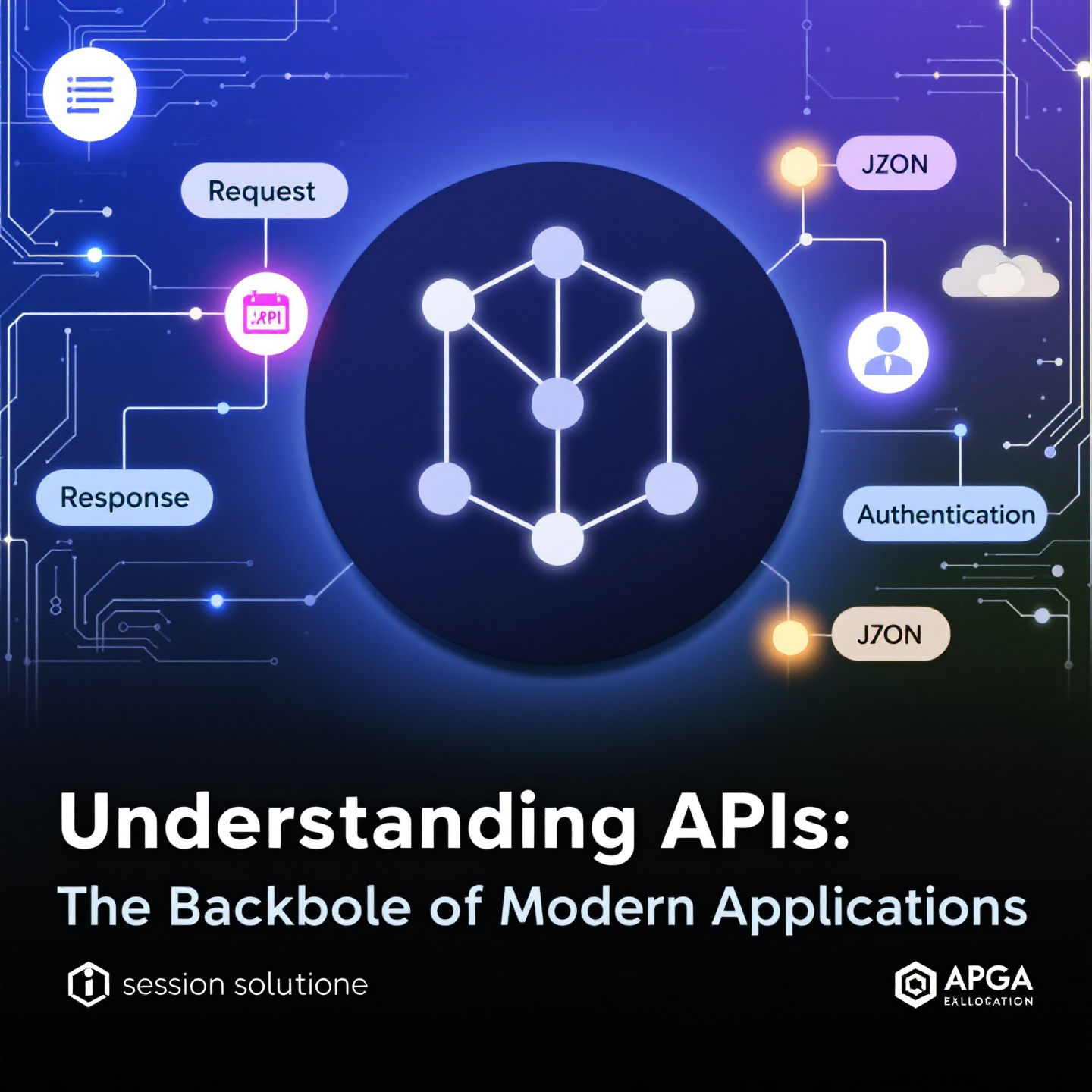
APIs(Application programming Interface) are a set of rules and protocols that defines how applications or devices interact. Think of it as a contract between the provider and the consumer.
They are tools that enable different software applications to communicate with each other. They're like translators that allow systems to exchange data and functionality seamlessly.
APIs use requests and responses. A client sends a request, and the server processes it, returning the desired data or action.
REST (Representational State Transfer): Commonly used for web services, relies on HTTP methods like GET, POST, PUT, DELETE.
RESTFUL APIs explanation video
GraphQL: A newer option that allows clients to request specific data, reducing over-fetching or under-fetching.
SOAP (Simple Object Access Protocol): Older and more rigid, often used in enterprise application
WebSockets: Ideal for real-time data exchange, such as chat apps or live tracking.
Secure APIs often require authentication using tokens, such as API keys, OAuth, or JWT (JSON Web Tokens).
resources:
where resource can be located:

Scheme (Protocol):
This is the first part of the URL, indicating the protocol used to access the resource.
Examples: http, https (for secure connections), ftp (file transfer), mailto (for email).
Host (Domain Name or IP Address):
The host specifies the location of the server where the resource resides.
It can be a domain name like example.com or an IP address like 192.168.1.1.
Example: www.example.com
Port (Optional):
Specifies the port number used by the server. If omitted, the default port for the protocol is used (80 for HTTP, 443 for HTTPS).
Example: :8080
Path:
The path points to a specific resource (e.g., a file or directory) on the server.
Example: /products/clothing/shirts
Query String (Optional):
This contains additional information in the form of key-value pairs, often used for filtering or searching.
It starts with a ? and separates key-value pairs with &.
Example: ?category=men&size=medium
Fragment (Optional):
A fragment identifies a specific section of the resource, often used with web pages.
It starts with # and links to an anchor tag or section on the page.
Credentials (Optional):
In some cases, credentials (username and password) may be included, though this is discouraged for security reasons.
HTTP (Hypertext Transfer Protocol) methods are standardized request types used by clients to communicate with web servers. They define what kind of operation is intended for a resource on the server. Examples include GET, POST, PUT, DELETE, and others.
CRUD stands for Create, Read, Update, and Delete—the basic functions of persistent storage in databases or systems. CRUD represents the actions that can be performed on data

in controllers/folder create an orderController.js file
javascriptclass OrderController {constructor(redisClient, mysqlConnection) {this.redisClient = redisClient;this.mysqlConnection = mysqlConnection;}async getAllOrders(req, res) {try {const [orders] = await this.mysqlConnection.execute(`SELECT o.*,GROUP_CONCAT(JSON_OBJECT('product_id', oi.product_id,'quantity', oi.quantity,'price', oi.price)) as itemsFROM orders oLEFT JOIN order_items oi ON o.id = oi.order_idGROUP BY o.id`);// Parse the items string into JSONconst formattedOrders = orders.map((order) => ({...order,items: order.items ? JSON.parse(`[${order.items}]`) : [],}));res.json(formattedOrders);} catch (error) {res.status(500).json({ error: error.message });}}async getOrder(req, res) {try {const { id } = req.params;// Check Redis cacheconst cachedOrder = await this.redisClient.get(`order:${id}`);if (cachedOrder) {return res.json(JSON.parse(cachedOrder));}const [orders] = await this.mysqlConnection.execute(`SELECT o.*,GROUP_CONCAT(JSON_OBJECT('product_id', oi.product_id,'quantity', oi.quantity,'price', oi.price)) as itemsFROM orders oLEFT JOIN order_items oi ON o.id = oi.order_idWHERE o.id = ?GROUP BY o.id`,[id]);if (orders.length === 0) {return res.status(404).json({ message: "Order not found" });}const order = {...orders[0],items: orders[0].items ? JSON.parse(`[${orders[0].items}]`) : [],};// Cache in Redisawait this.redisClient.set(`order:${id}`, JSON.stringify(order));res.json(order);} catch (error) {res.status(500).json({ error: error.message });}}async createOrder(req, res) {const connection = await this.mysqlConnection.getConnection();try {await connection.beginTransaction();const {total_amount,shipping_address_street,shipping_address_city,shipping_address_state,shipping_address_zip,shipping_address_country,items,} = req.body;const orderId = Date.now().toString(); // Simple ID generation// Create the orderawait connection.execute(`INSERT INTO orders (id, total_amount, shipping_address_street, shipping_address_city,shipping_address_state, shipping_address_zip, shipping_address_country) VALUES (?, ?, ?, ?, ?, ?, ?)`,[orderId,total_amount,shipping_address_street,shipping_address_city,shipping_address_state,shipping_address_zip,shipping_address_country,]);// Insert order itemsfor (const item of items) {await connection.execute(`INSERT INTO order_items (order_id, product_id, quantity, price)VALUES (?, ?, ?, ?)`,[orderId, item.product_id, item.quantity, item.price]);}await connection.commit();const [newOrder] = await connection.execute(`SELECT o.*,GROUP_CONCAT(JSON_OBJECT('product_id', oi.product_id,'quantity', oi.quantity,'price', oi.price)) as itemsFROM orders oLEFT JOIN order_items oi ON o.id = oi.order_idWHERE o.id = ?GROUP BY o.id`,[orderId]);const formattedOrder = {...newOrder[0],items: newOrder[0].items ? JSON.parse(`[${newOrder[0].items}]`) : [],};res.status(201).json(formattedOrder);} catch (error) {await connection.rollback();res.status(500).json({ error: error.message });} finally {connection.release();}}async updateOrderStatus(req, res) {try {const { id } = req.params;const { status } = req.body;const [result] = await this.mysqlConnection.execute("UPDATE orders SET status = ? WHERE id = ?",[status, id]);if (result.affectedRows === 0) {return res.status(404).json({ message: "Order not found" });}// Invalidate Redis cacheawait this.redisClient.del(`order:${id}`);const [updatedOrder] = await this.mysqlConnection.execute(`SELECT o.*,GROUP_CONCAT(JSON_OBJECT('product_id', oi.product_id,'quantity', oi.quantity,'price', oi.price)) as itemsFROM orders oLEFT JOIN order_items oi ON o.id = oi.order_idWHERE o.id = ?GROUP BY o.id`,[id]);const formattedOrder = {...updatedOrder[0],items: updatedOrder[0].items? JSON.parse(`[${updatedOrder[0].items}]`): [],};res.json(formattedOrder);} catch (error) {res.status(500).json({ error: error.message });}}async deleteOrder(req, res) {try {const { id } = req.params;// Due to ON DELETE CASCADE, this will automatically delete related order_itemsconst [result] = await this.mysqlConnection.execute("DELETE FROM orders WHERE id = ?",[id]);if (result.affectedRows === 0) {return res.status(404).json({ message: "Order not found" });}// Invalidate Redis cacheawait this.redisClient.del(`order:${id}`);res.json({ message: "Order deleted successfully" });} catch (error) {res.status(500).json({ error: error.message });}}}module.exports = OrderController;
then in routes create an orders.js file
javascriptconst express = require("express");const router = express.Router();const OrderController = require("../controllers/orderController");module.exports = (redisClient, mysqlConnection) => {const orderController = new OrderController(redisClient, mysqlConnection);router.get("/", orderController.getAllOrders.bind(orderController));router.get("/:id", orderController.getOrder.bind(orderController));router.post("/", orderController.createOrder.bind(orderController));router.patch("/:id/status",orderController.updateOrderStatus.bind(orderController));router.delete("/:id", orderController.deleteOrder.bind(orderController));return router;};
then in server or index.js or your server entry point:
javascriptapp.use("/api/orders", orderRoutes);const orderRoutes = require("./routes/orders")(redisClient, mysqlConnection);